Your assignment
Run a bounded research-to-draft workflow with a human review gate. Use your own project, or practice with the clearly illustrative compact-desk-lamp scenario.
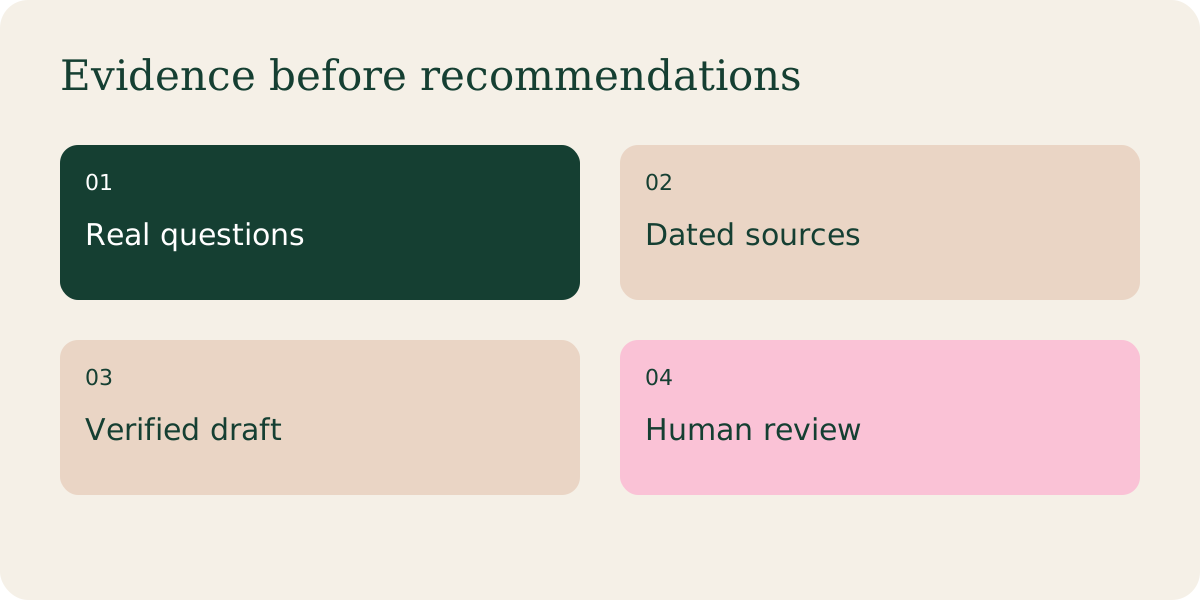
Step by step
Prepare a project brief with the audience, permitted source folder, deliverable format and definition of done. Begin with read-only inputs and sample data.
In Claude, use the work and file capabilities available in your account. Cowork and Design capabilities are being brought into the unified Claude experience; navigation can differ by rollout. “Claude Work” is treated here as a general description, not a separate verified product.
Use ChatGPT Pro with Astra to organize evidence, critique a brief and produce drafts, using the model and work tools available in your account. Start with a source table, check the supporting evidence, and then request a campaign draft.
Ask for a plan, then one artifact: a source table, comparison brief or content calendar. Have the assistant mark missing evidence and report files changed.
Review claims and outputs before granting the next task. A completed agent run is not proof of accurate facts, correct links or a successful publication.
Try this prompt
Replace bracketed inputs with your real notes. Keep sensitive information out.
Work only with the supplied campaign folder. First list missing inputs and propose a plan. Then create a source table and a comparison brief. Keep source facts separate from inference. Do not publish, send messages, buy software or change account settings. Finish with changed files, unresolved questions and a review checklist.
A worked example
Practical handoff: research notes → claim table → approved outline → draft. If the claim table contains an unresolved feature, the draft should omit it or clearly mark it for verification.